The problem
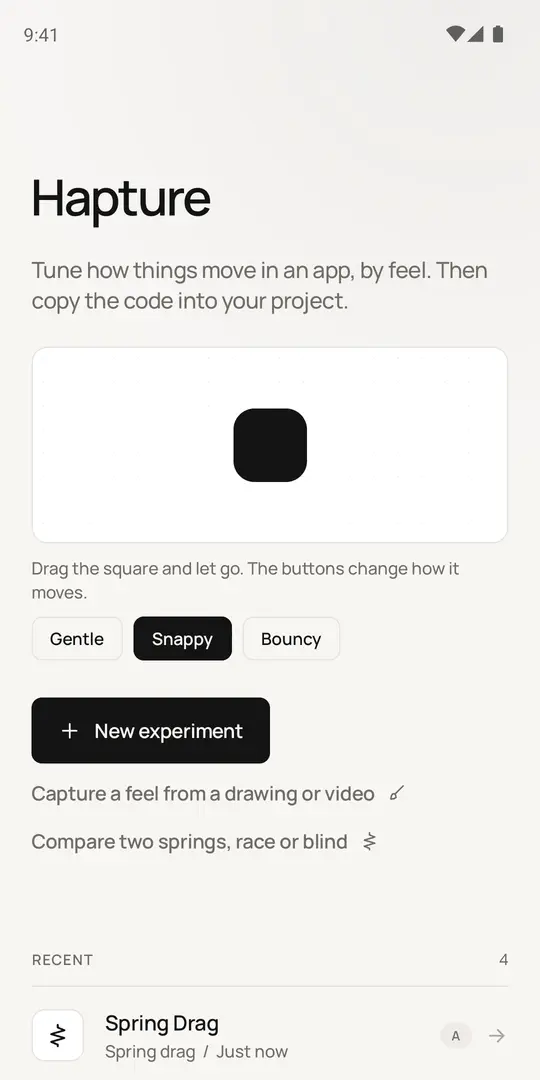
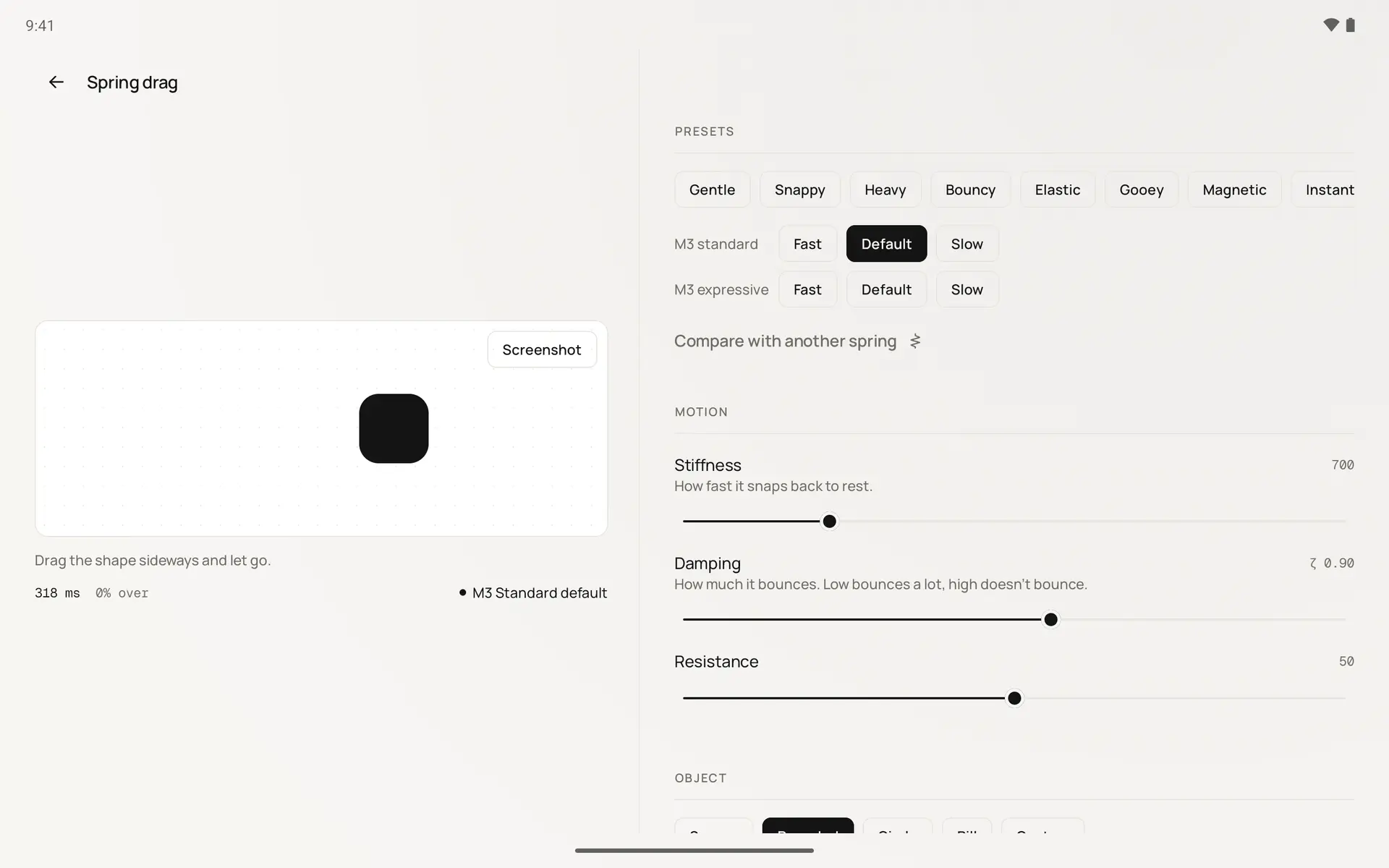
Most animation tools ask you to type numbers. Stiffness 700, damping ratio 0.9, then you squint at a preview on a laptop. That's backwards for mobile, where motion is felt through your thumb. A bottom sheet that looks fine in a video can feel sluggish the moment you actually throw it.
Hapture puts the motion in your hand first. The sliders still map to real numbers and you can always see them. You just arrive at them by trying things instead of guessing.
Fourteen real interactions
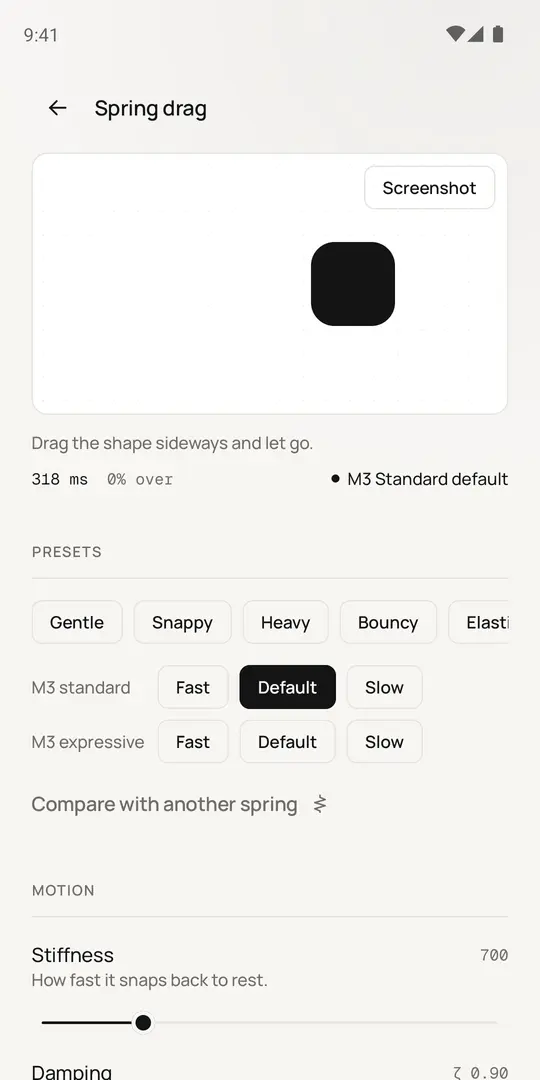
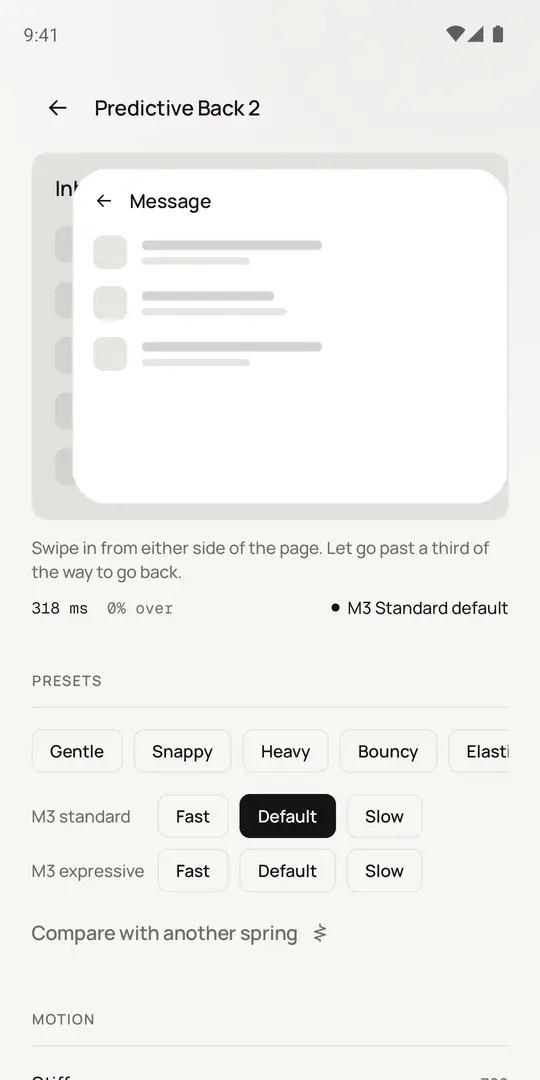
Spring drag, magnetic snap, swipe and fling, bottom sheet, pull to refresh, pinch to zoom, card expand, predictive back, drag to reorder, toggle, button press, tab indicator, staggered list and a like burst. Each one is a real, touchable component driven by a spring you tune with two sliders.
Start from eight house presets or Material 3's own springs. A readout under the stage shows settle time, overshoot and how close you are to the nearest Material spring, and it updates as the slider moves.
One spec, every platform
Every export comes from one platform-neutral description of the motion, so the outputs can't drift apart: Compose with the gesture handling included, SwiftUI, Flutter, React Native, Framer Motion and CSS linear(), Lottie, Figma custom-spring values, design tokens and haptic patterns. Each code export ships with a reduced-motion version.
The live preview runs on Compose's own spring(), the same call the exported code makes. There's deliberately no separate simulation, because the moment there is one, the preview and the export start to disagree.
Checks, capture and compare
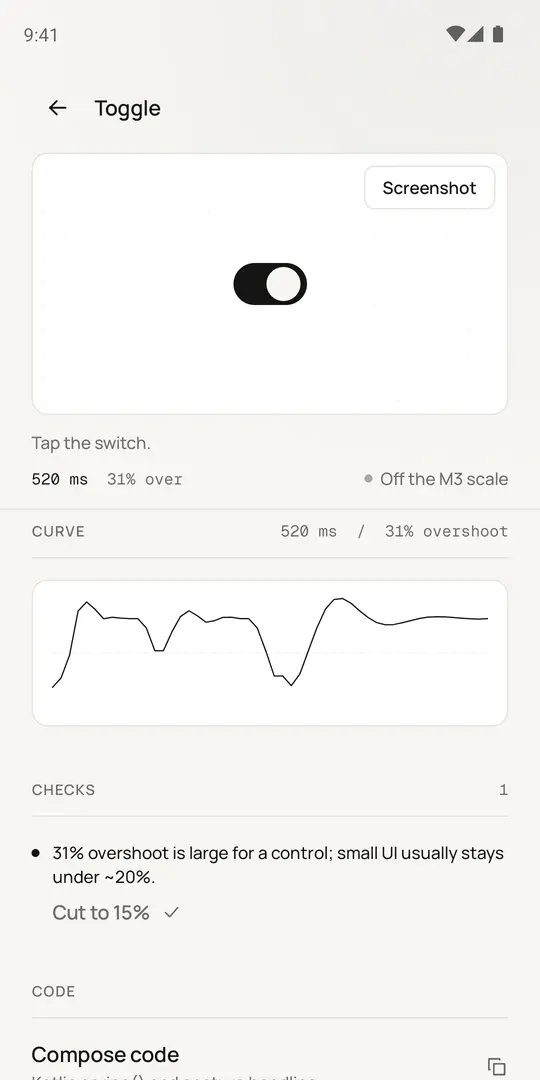
Every experiment is checked for motion that is too slow for a tap, wobbles too long, overshoots too much for a small control or will jitter on a 60 Hz screen. Most checks have a one-tap fix you can undo.
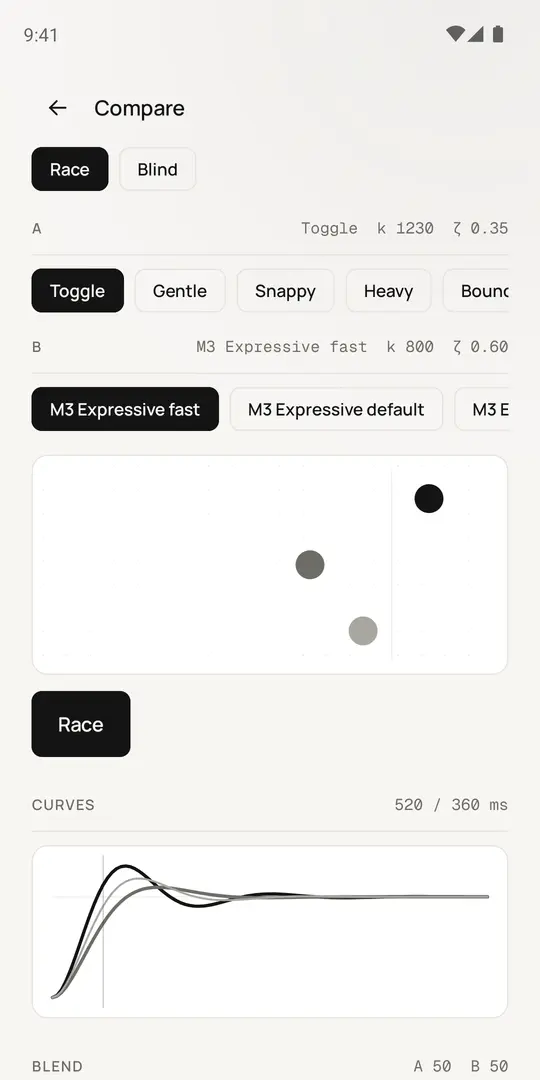
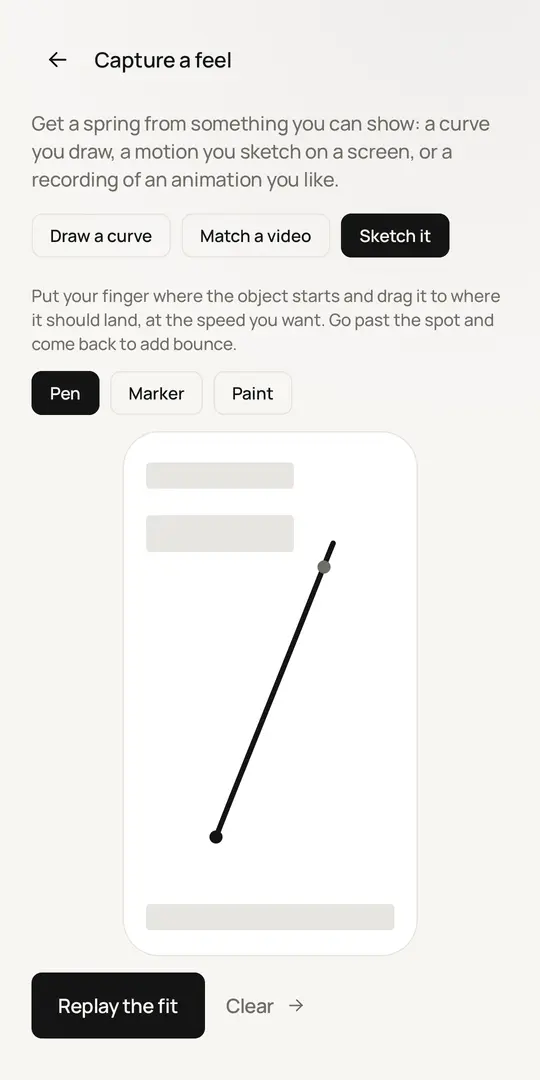
If you already know the feel you want, draw the curve, sketch the motion across a mock screen or point the app at a screen recording, and it fits a spring to what you showed it. Compare races two springs side by side, blends between them, or plays a blind game where you guess which preset is which.
Phone to laptop
Turn on live sync and the phone serves the current spring on your Wi-Fi behind a pairing code. Open the link or scan the QR code on a laptop and the code for every platform follows your sliders in the browser. The Figma plugin can follow it too. There's no account, no analytics and no cloud; experiments stay on the phone.